Queue
Your queue is the set of articles waiting to become your next podcast. Anything you save lands here until Wren builds an episode from it.
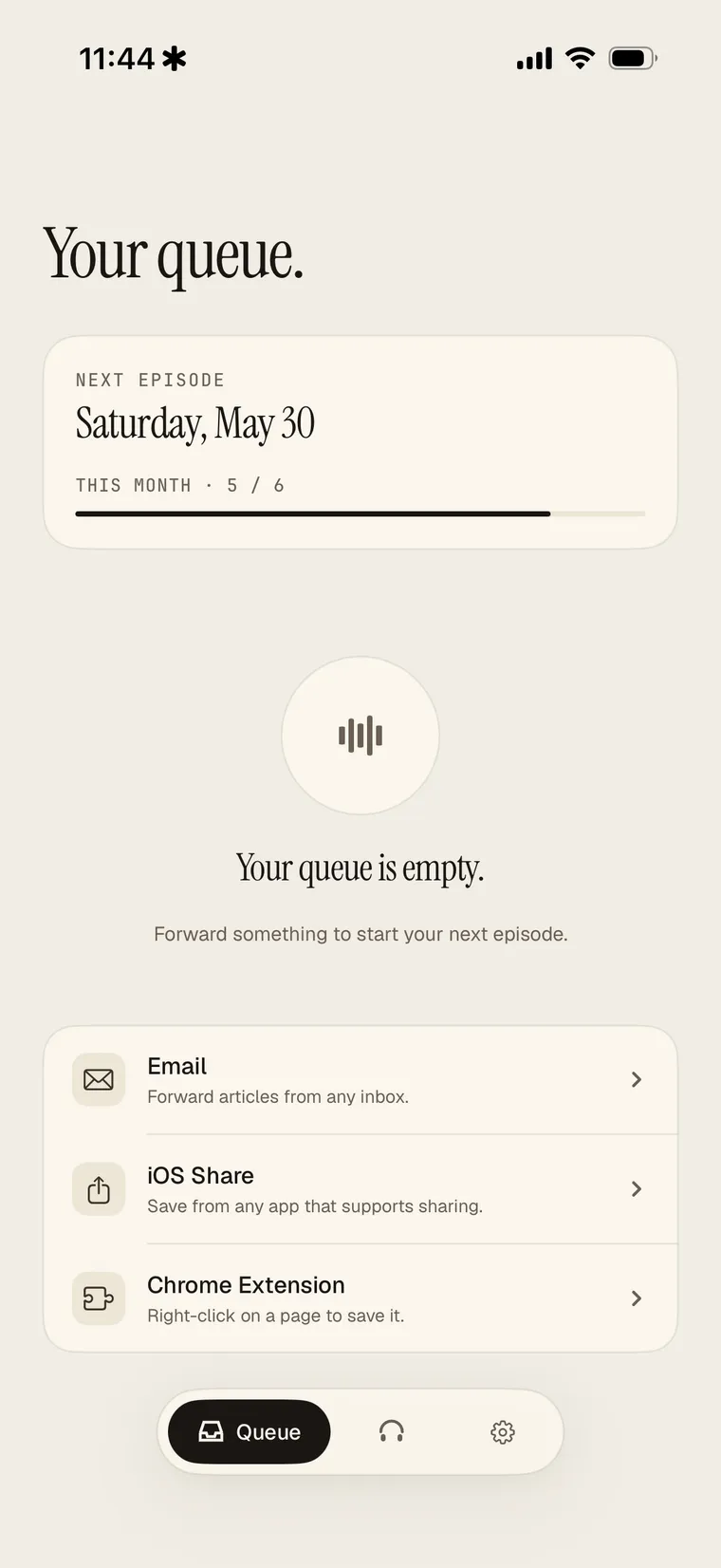
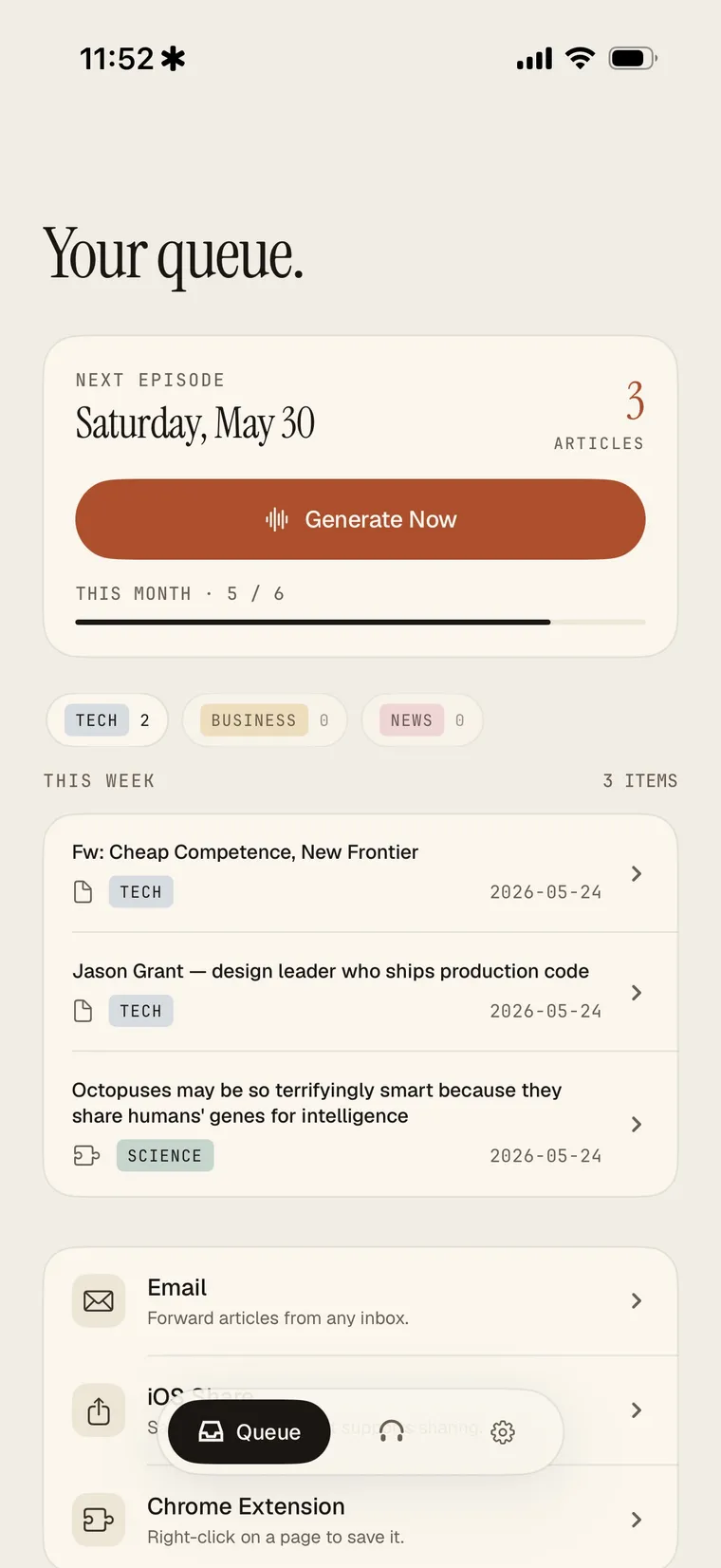
When your queue is empty, Wren shows the ways to save. Once you've added a few, they're grouped by category with a Generate Now button and your next-episode date.
How to add
Save from the iOS share sheet, the Chrome extension, or by forwarding email. See Saving articles for the details on each.
How many you can queue
- At least 5 (Free): Wren needs 5 articles queued before it can build a podcast, so your episode is a real digest rather than a one-article clip.
- Up to 15 (Free): the queue holds a maximum of 15 articles. When it's full, generate an episode to use what's queued before saving more.
- Pro: no queue limit.
Managing the queue
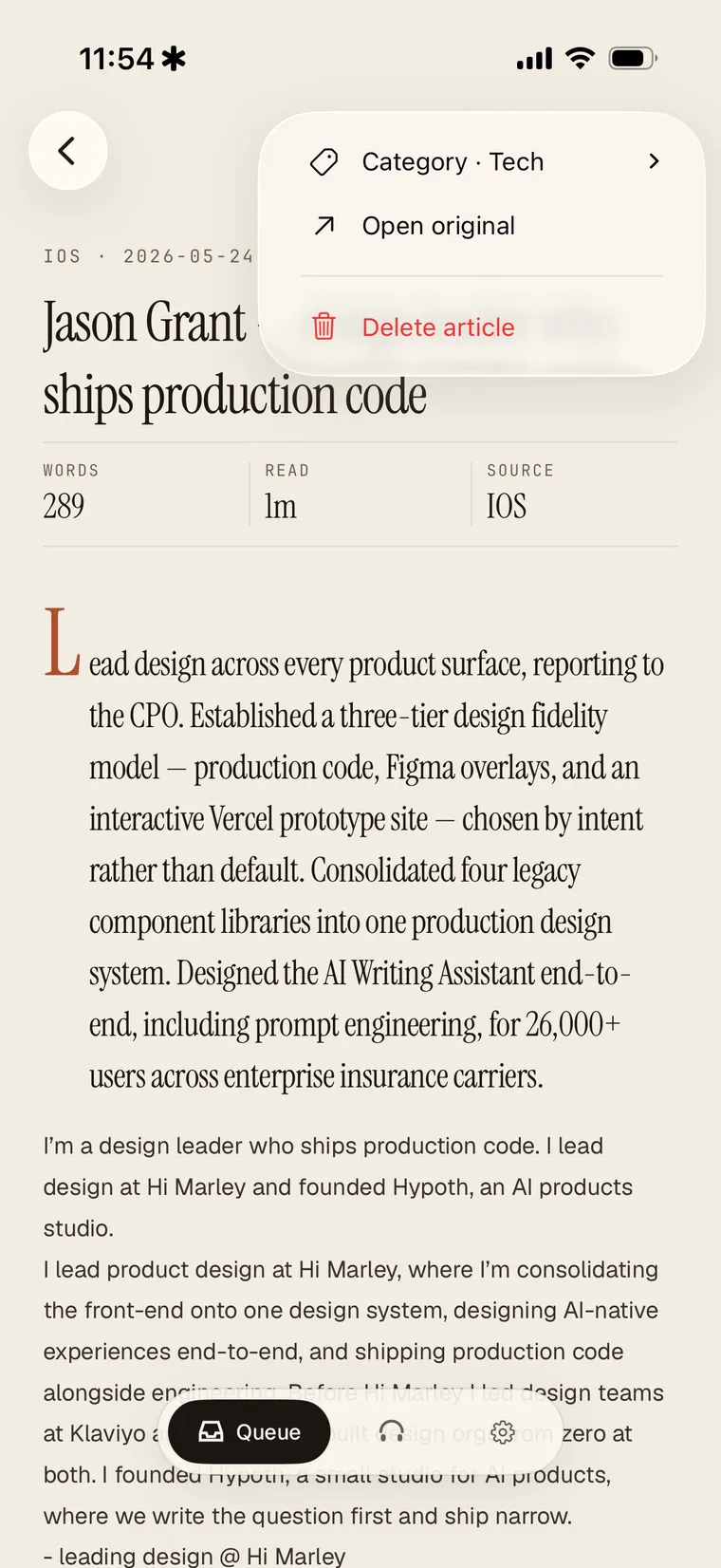
Tap any article in the queue to see what Wren saved. From there you can change its category, open the original, or delete it. Deleting an article keeps it out of your next episode.